





Taming the 130,000m² Beast: Managing Model Bloat in Mega-Scale Commercial BIM
I’ve been spending a lot of time lately looking into the practical limits of federated models on these massive UK commercial schemes. Specifically, when you hit that 130,000m² threshold, the sheer data density usually turns Revit into a slideshow.
We’ve all seen it: the central file starts hitting 500MB+, sync times become long enough for a coffee break, and suddenly "efficient collaboration" goes out the window. I recently read through a breakdown of a large-scale 130,000m² case study that really hammered home the importance of splitting volumes early. On a project that size, you can’t just rely on standard workset management; you almost have to treat the building as four or five independent sub-projects tied together by a very strict Common Data Environment (CDE) protocol.
The challenge isn't just the geometry; it's the metadata and the number of nested families. If you’re not auditing the model health weekly, the "Information" part of BIM starts to work against you. I was looking at the ViBIM BIM outsourcing workflow for these types of high-occupancy commercial complexes, and it’s interesting how they emphasize a "data-first" approach to keep the local files snappy.
The strategy of splitting by spatial zones rather than just by discipline (Arch/MEP/Struct) seems to be the only way to keep the Level of Development (LOD) 350+ from crashing the system during coordination. If you're struggling with clash detection on a site of this scale, it’s worth a look to View the full ViBIM case study—they go into some detail on how they managed the volume splitting without losing the integrity of the federated model.
Curious to hear from anyone else working on 100k+ sqm projects—at what point do you usually decide to break the link and move into separate spatial models? I feel like we always wait until the lag becomes unbearable before pulling the trigger on a split.
--Vibim
Featured articles
Check out some of the best features and news from Designing Buildings as well as key stories from around the web.
The cost of employing people remains a concern.
Code of Practice for Electrical Energy Storage Systems.

ECA calls on members to comment on draft 4th edition.
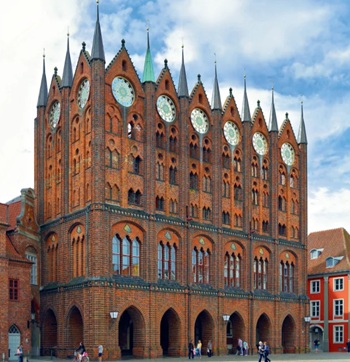
Bringing together expertise and creating cultural benefits.

CIOB celebrates positive Ofsted report.

The Building Safety Regulator announces a call for evidence.

Government approach could undermine delivery and regeneration.
World's first mass timber data centre.
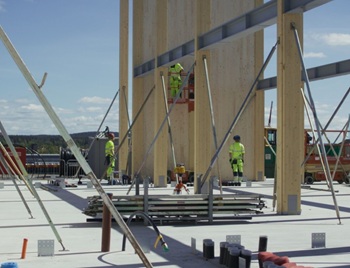
The overlooked environmental aspect of data centre development.
Introduction to radon awareness
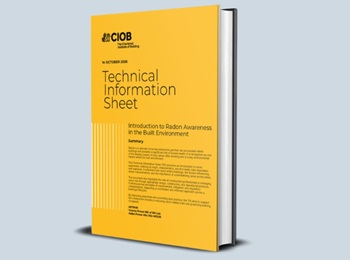
New technical information sheet published by CIOB.

Updated supplier guide can help electrical contractors engage with NHP.

CIAT confirm the winners of the 2026 architectural technology awards.
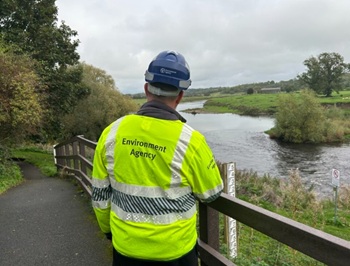
Government launches a one stop shop for flood preparedness.

Sir Edwin Lutyens: Britain's greatest architect? Book review.